We're changing and moving forward. See how to complete verification at WEB3 Technology B.V. in just a few minutes.
Following the end of the MiCA transitional period, the current form of ARI10 Exchange (operated by Bitcan sp. z o.o.) is being discontinued.
From 1 July 2026, we will serve customers through WEB3 Technology B.V., a crypto-asset service provider (CASP) operating in accordance with the MiCA Regulation under an authorisation issued by the AFM (Autoriteit Financiële Markten), under authorisation number 41000022. Our services will be available under the RGLTD brand.
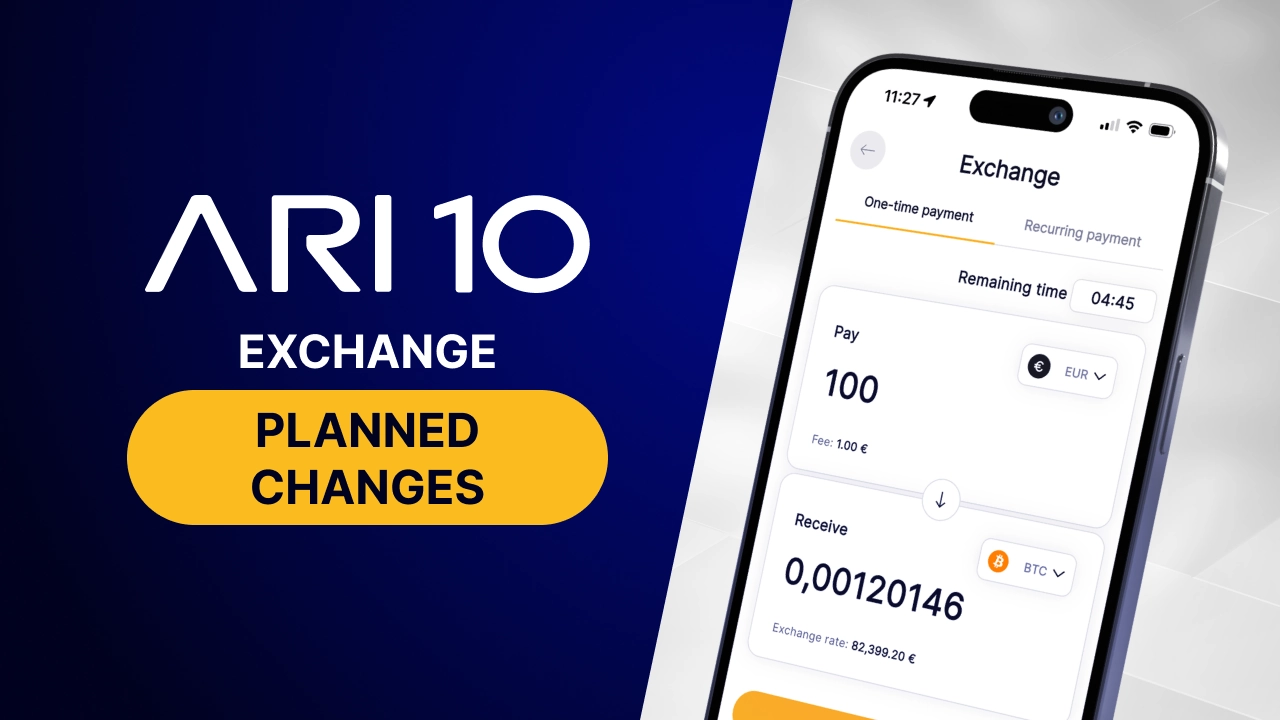
You can find more details about the planned changes here.
We do not automatically transfer either users or funds. If you want to continue using selected services through WEB3 Technology B.V., you must start the process yourself.
The good news: you don't have to fill everything in from scratch. Thanks to reusable KYC, the data you previously provided during the KYC process can be reused, making verification faster.
This guide will walk you through the entire process - from the ARI10 Exchange dashboard to submitting your identity document. It only takes a few minutes.
Before you begin, make sure you have the following ready:
The process is voluntary and entirely up to you.
To move to WEB3 Technology B.V., start the reusable KYC process here.
Log in to ARI10 Exchange through a desktop browser.
At the top of the dashboard you will see a box explaining that Bitcan sp. z o.o. will discontinue the Exchange service and that we are offering a new verification process that uses your KYC data at WEB3 Technology B.V.
Click "review and continue."
A message will appear about the possibility of using the data you provided earlier during verification at ARI10 Exchange in the registration and verification process carried out by WEB3 Technology B.V.
Read the information presented and accept the Terms and Conditions. If you would like to receive information about WEB3 Technology B.V.'s services, you can also give marketing consent – this is entirely voluntary.
Once you have done this, you will be able to move on to the next stage.
After moving to the next stage, the "Consent to start verification" window will appear.
Read the Privacy Notice and the Notice on the Processing of Personal Data. Then click "I agree, continue" to proceed to the verification process.
Verification is securely handled by Sumsub. On the "Enter your email address" screen, enter the address linked to your account to securely access the data in your Sumsub ID.
Click "Send verification code," open the email from Sumsub, and enter the code you receive.
At this stage, the system will recognise the data you provided during your earlier verification at ARI10 Exchange and allow it to be used in the verification process carried out by WEB3 Technology B.V.
Check the information displayed and make sure it is up to date. Then proceed to the next step.
In the next stages of the process, you may be asked to complete or confirm additional information needed to finish the registration and verification process at WEB3 Technology B.V.
Depending on how the verification proceeds, you may also need to select an identity document and submit a photo or scan of it according to the on-screen instructions. Follow the instructions displayed on screen to complete the process successfully.
Once you have submitted your data, it will be reviewed. We will provide detailed information about available services in a separate communication.
The information contained in this article is for informational purposes only and does not constitute investment, financial, or tax recommendations or advice regarding crypto-asset trading. Investing in and trading crypto-assets involve a high level of risk, including the possibility of losing all committed funds. Crypto-asset prices may be subject to significant and rapid changes, and their value may rise or fall substantially in a short period of time.